SafetyShortcuts
Verborgen snelkoppelingen om ongemerkt de politie te bellen
Over het project
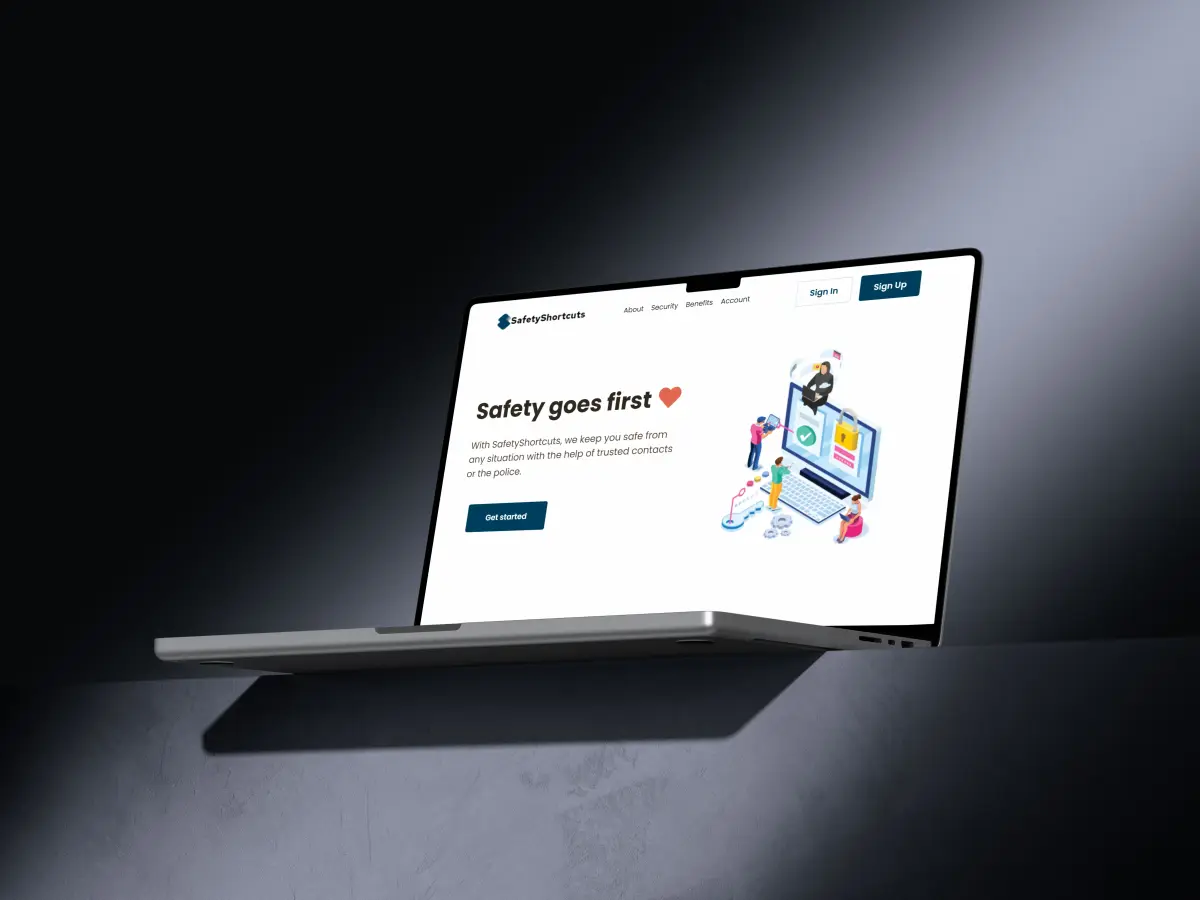
SafetyShortcuts was een van mijn eerste officiële projecten. Het concept was sterk en goed bedoeld: als je je onveilig voelde, kon je via Apple Shortcuts ongemerkt de politie bellen. Het liep niet zoals ik hoopte. Dat is oké. Ik zag waar het beter kon.
Op de site downloadde je snelkoppelingen met een verborgen menu dat eruitzag als iets gewoons, bijvoorbeeld een pizza bestellen. Zo gaf je aan hoe ernstig de situatie was, zonder dat het opviel. Account aanmaken, downloaden, klaar. De site zelf zag er alleen niet sterk genoeg uit.
- Verborgen menu voor noodsituaties
- Shortcuts voor Apple-apparaten
- Account en downloadbare snelkoppelingen
De uitdaging
In een onveilige situatie wil je hulp, zonder dat iemand ziet wat je doet. Een normale bel-app of een duidelijke noodknop valt op. Ik wilde iets dat opgaat in alledaagse handelingen op je telefoon.
De oplossing
Via de Shortcuts-app op Apple-apparaten leek een noodactie op iets onschuldigs, zoals een bestelling. Achter dat menu zat de echte ernst van de situatie. Meerdere snelkoppelingen dekten verschillende scenario's.
Wat er misging
Het idee was beter dan de uitvoering rondom de site. Weinig aandacht, een zwakke uitstraling, en later te weinig onderhoud. De site werd verouderd en minder veilig. Daarom heb ik hem offline gehaald.
Als eerste officiële project blijft het staan: een sterke intentie, een duidelijke les over product, design en onderhoud.