Ubu Console
From command line to a clickable interface
About the project
At school I had to work with WSL, a Linux environment on Windows. Useful for software, annoying to use. Every service you wanted to start or stop meant typing commands. As a regular Windows user, I just wanted buttons. So I built them.
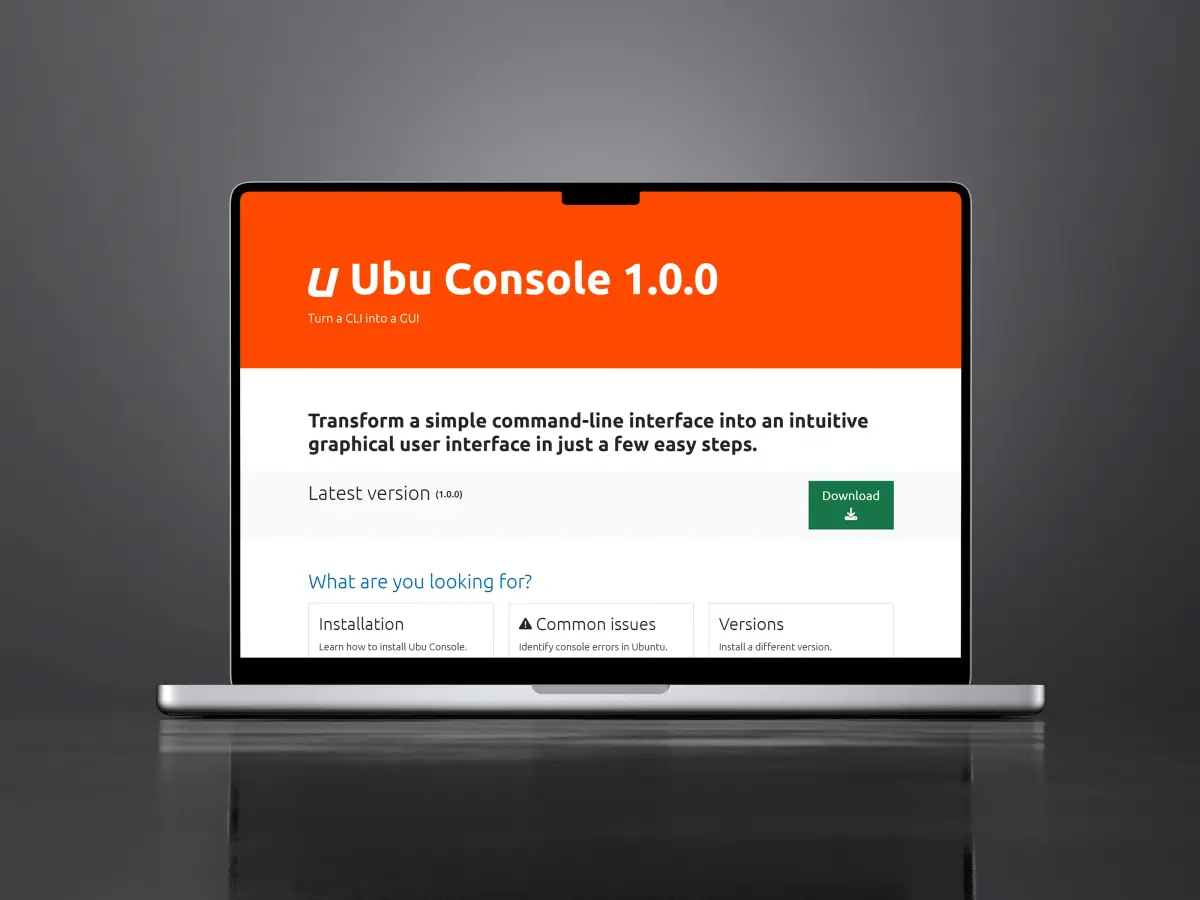
Ubu Console is a small, playful WinForms project. Through an interface you turn services on and off, like Apache, while the app talks to your WSL over SSH in the background. No endless typing for something that deserves one click.
- Graphical buttons instead of commands
- Turn services on and off from Windows
- A small experiment to learn how software works
The challenge
WSL feels like a second computer inside your computer, but without a proper window. Everything went through text commands. Start a service, stop it, try again. For schoolwork that needed to move fast, that was clumsy. I wanted the feel of a normal Windows app.
The solution
I made Ubu Console: a simple Windows interface on top of that command line. You click what you need, the app talks to WSL behind the scenes. You keep the power of that Linux environment without living in the terminal.
How it works
Kept simple on purpose.
A familiar window
WinForms gave me a real Windows app quickly. Small, clear, and enough to test whether the idea worked at all.
Services with one click
Apache and other services turn on or off from the interface. The app handles the WSL connection over SSH in the background.
Learning by building
It was a fun little project to feel how software fits together. Not meant as a big product, just something I could use myself every day.